How it works
Log, submit, sign, export. Seven steps, in the order you will actually do them.
Set up once.
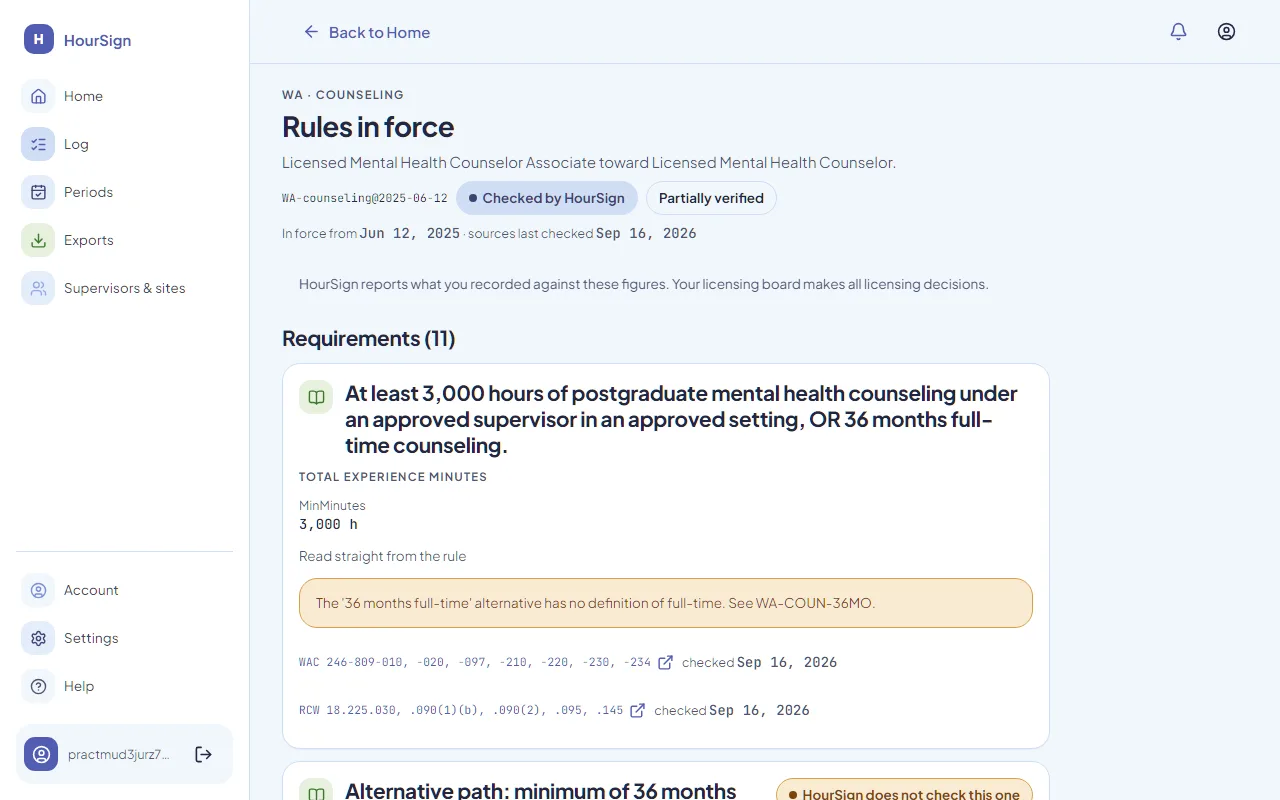
Pick your state and profession once. HourSign loads the rules your hours are checked against.
Set up your track
A track is one path to one license in one state. Pick your state and profession, and HourSign loads the rule set for it. Add the sites where you work.
Invite your supervisor
You send an invitation to their email address. The link works once, expires in 14 days, and only opens for a signed-in account whose verified email matches. Your supervisor makes their own free account.
Log as you go.
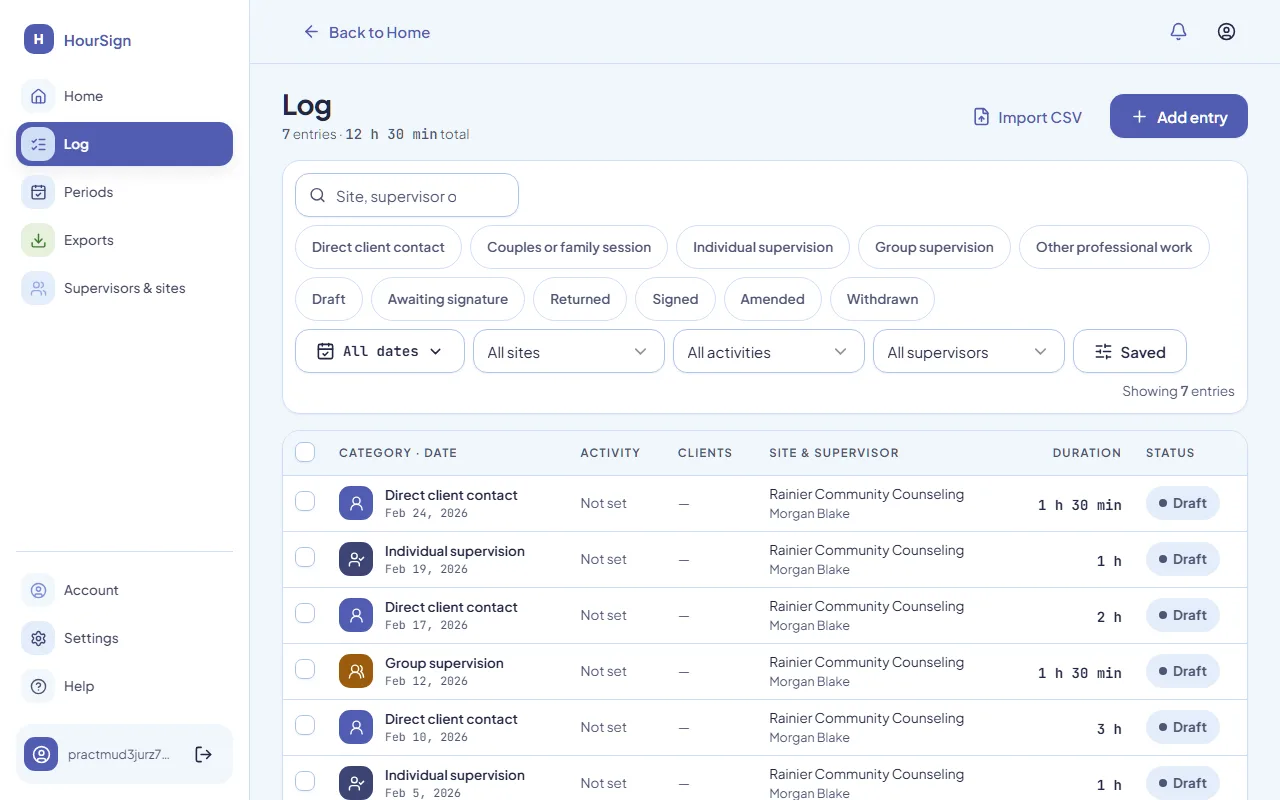
One entry per session. The rule checks run while you can still fix a short month.
Log your hours
One entry per session, with the date of service, the site, the supervisor and the categories your state uses, such as direct client contact or individual supervision. Time is stored in whole minutes so nothing drifts.
See warnings while you can still act
As you log, HourSign checks the rule set. If the Oregon monthly supervision test is short, or a Florida two-week supervision gap is opening, you see it now, with the citation, not a year later.
Send it. Get it signed.
Your supervisor signs exactly what you sent, or sends it back with a note.
Submit a reporting period
A reporting period is a date range of entries sent to one supervisor. You close it and submit it. While it is under review it is locked to you.
Your supervisor reviews and signs
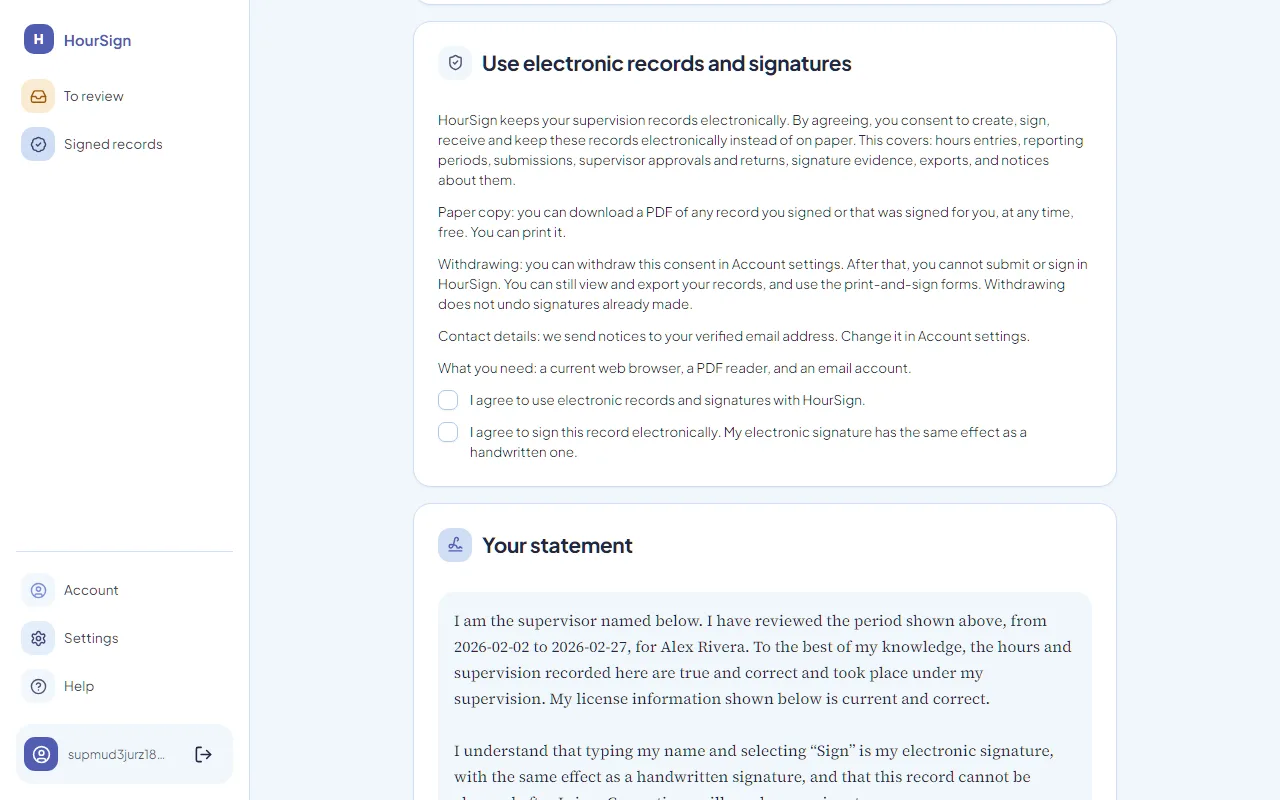
They see the exact content that will be signed. They can send it back with a note if something is wrong. To sign, they agree to use electronic records, read the attestation, type their legal name, and confirm who they are.
Keep the signed record.
Signing freezes the period. You take it with you, as a PDF and as CSV.
Export the record
You get the signed record as a PDF and as CSV. It carries the fingerprint, the rule set version, the signer and the UTC timestamp. Export is always free, including after a trial ends.
When it is not that simple.
Mistakes happen, and not every board accepts a signature on a screen. Both have a plain answer.
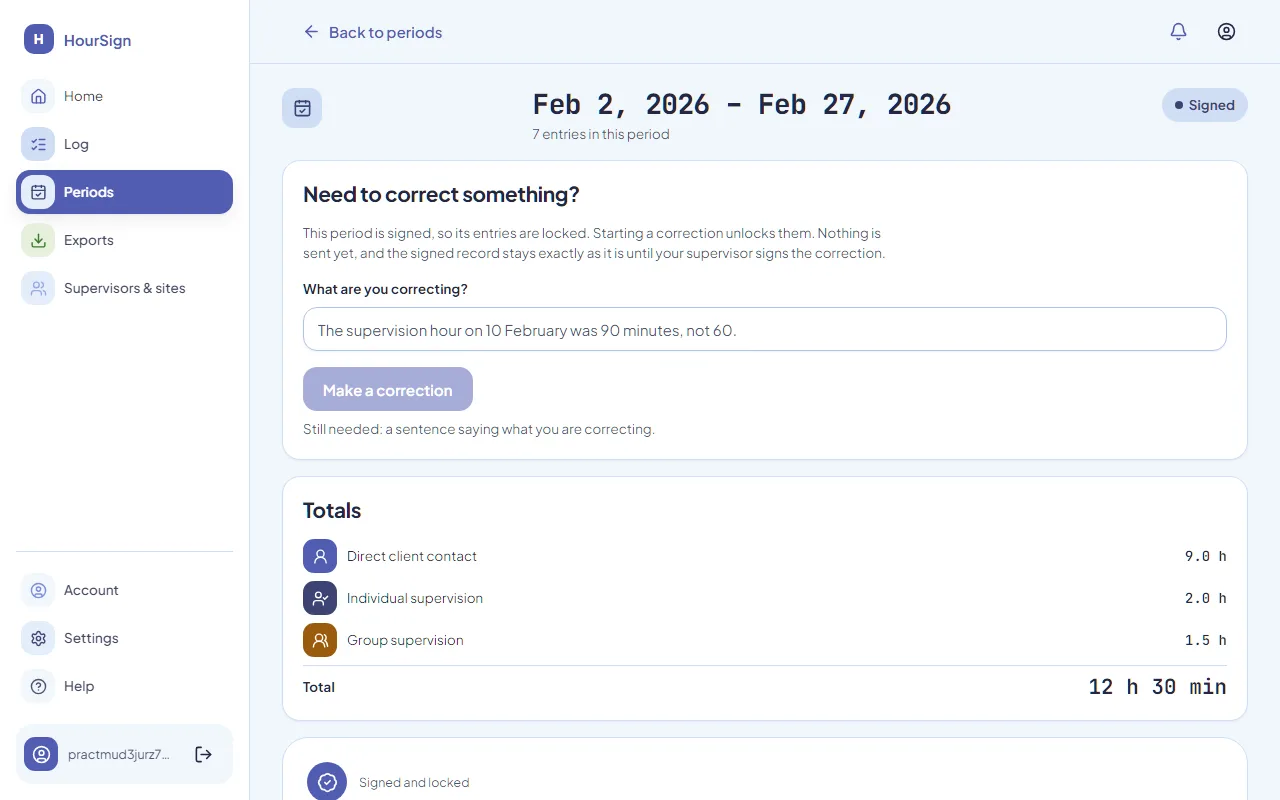
If something is wrong after signing
Printing instead of signing online
State rules last checked 16 September 2026
Seven steps to a record you can stand behind.
Log free, forever. Your first signed period is free too. Supervisors never pay.